
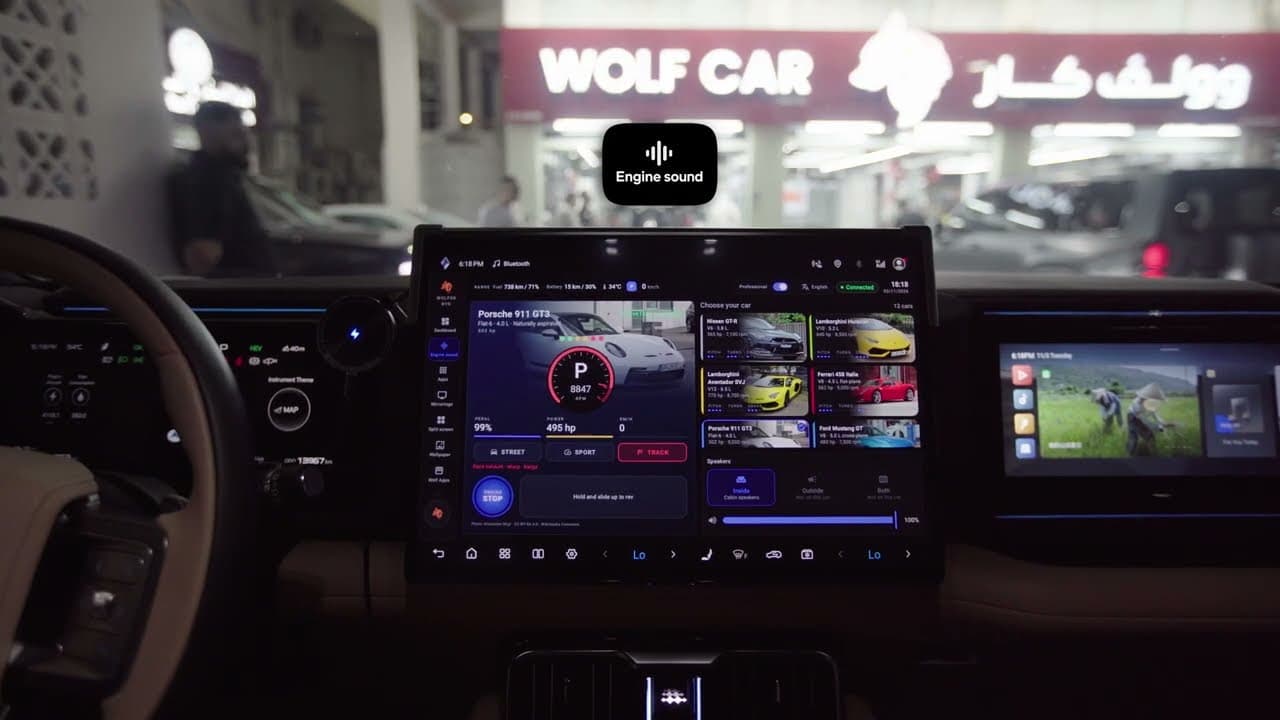
Live vehicle dashboard
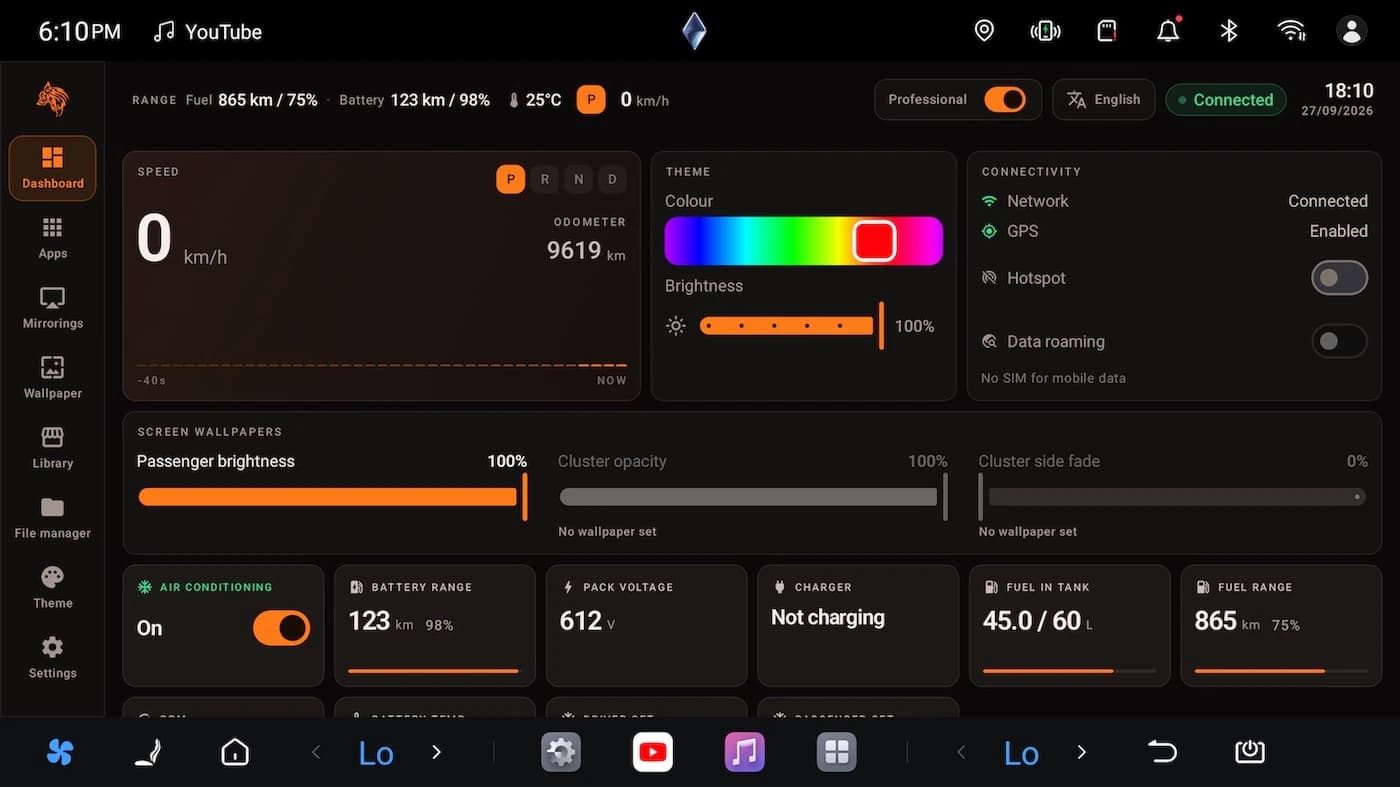
Speed, battery and fuel, electric range, temperatures and charging, read from the car itself. What your car does not report shows a dash, never a made-up number.
Pick your car
Made for the BYD Leopard:Leopard 3Leopard 5Leopard 7Leopard 8
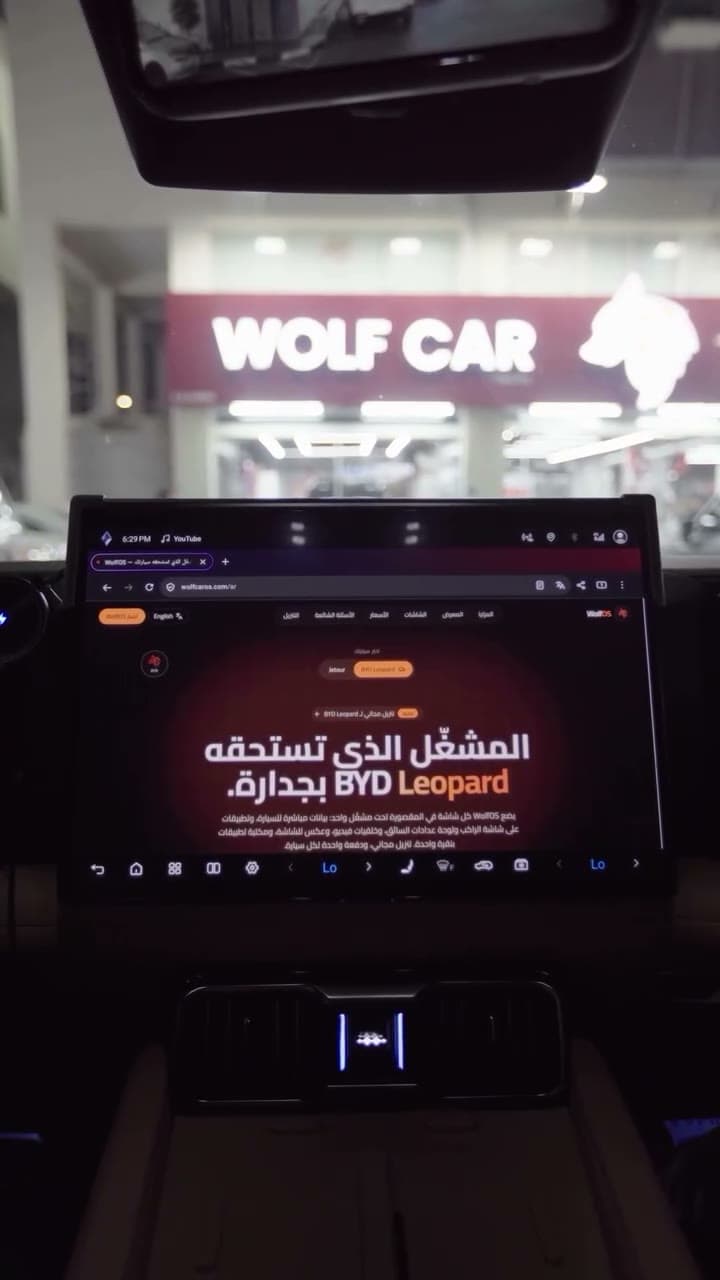
NewFree download for the BYD LeopardWolfOS puts every screen in the cabin under one launcher: live vehicle data, apps on the passenger screen and driver cluster, video wallpapers, screen mirroring and a one-tap app library. Free to download, one payment per car.
A full walkthrough in Arabic: the dashboard, engine sound, split screen, wallpapers and the app library.
Every step, in Arabic, in under 90 seconds.
WolfOS replaces the stock launcher with one built around the car: its screens, its data and the apps you actually use.
Speed, battery and fuel, electric range, temperatures and charging, read from the car itself. What your car does not report shows a dash, never a made-up number.
Open any Android app on the centre screen, the passenger screen or the driver cluster, full screen or in a window, and see what is running where.
A curated library of apps for the car. Tap to install or update silently, with progress, straight from the head unit. No computer, no USB stick.
See the passenger or cluster screen from the driver’s seat and control it with touch, including two-finger pinch and zoom.
Pictures or looping video on the main screen, the passenger screen and behind the gauges, with Fit or Cover framing and a library to pick from.
Six accent colours, light or dark, synced with the car’s ambient lighting, which you can control by zone, colour and brightness.
Real screenshots of WolfOS on a BYD Leopard centre screen. Pick a page to take a look.
Page 1 of 9
Speed, gear, battery and fuel range, pack voltage, charging and A/C, read live from the car.
Send an app to the passenger or the driver cluster, give each screen its own wallpaper, and mirror any of them to the centre screen to control it by touch.
Centre screen
Dashboard, apps, library, files
Passenger screen
Apps, video wallpaper, brightness
Driver cluster
Apps and a wallpaper behind the gauges
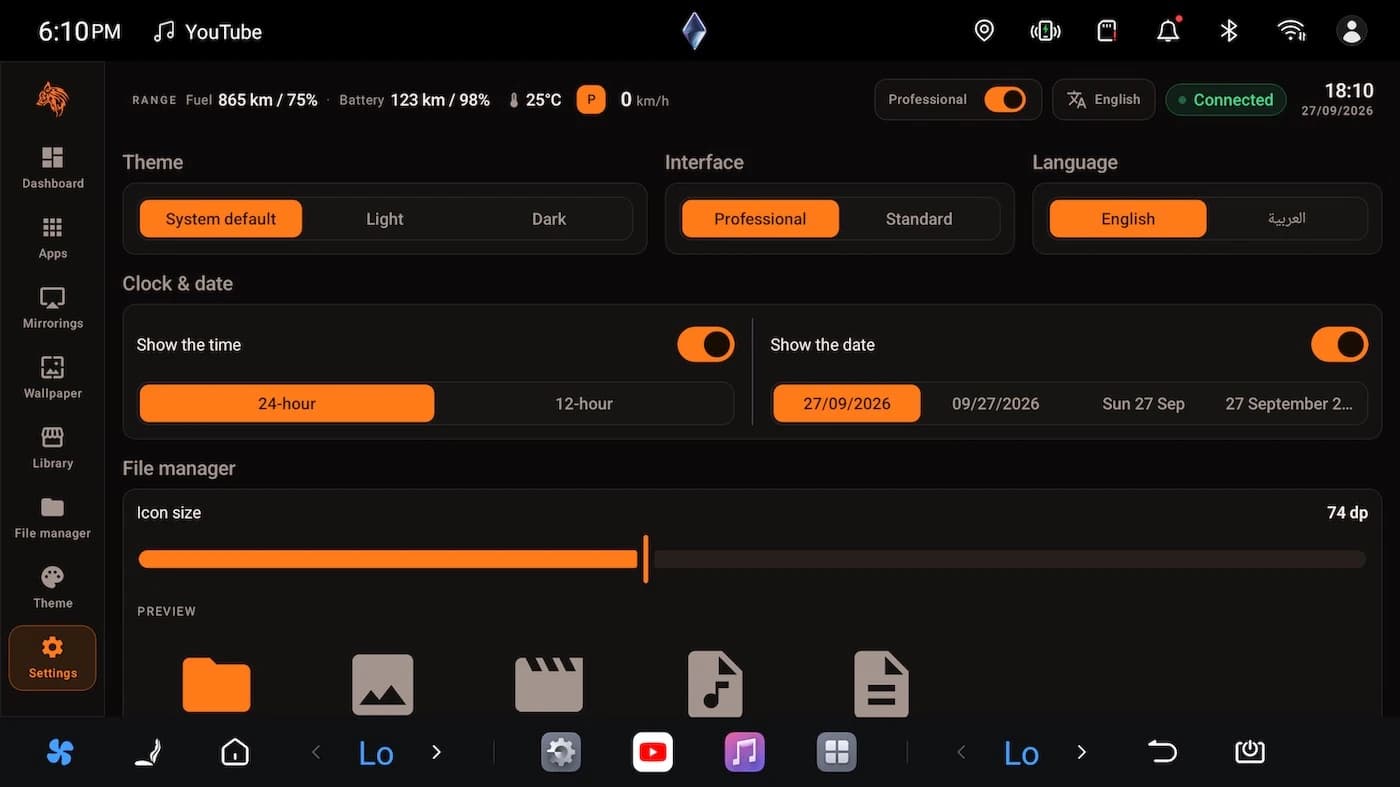
Download the APK in the car’s browser, pay once for that car, and WolfOS starts with the car from then on.
Download on the car
Open the download page in the car’s browser and get the WolfOS APK. It is free.
Install and open
Install the APK and open WolfOS. It shows your car’s VIN and a QR code.
Buy for this car
On your phone, open the buy page, scan that QR code (or type the VIN) and pay by card.
Tap Check again
WolfOS opens. It also checks by itself about every 15 seconds, so you can simply wait.
3
Screens under one launcher
56
Apps in the library
208
Wallpapers to pick from
6
Accent themes, light or dark
WolfOS is free to download and shows your car’s VIN. Choose lifetime or a set time, pay by card, and it opens on that car. Nothing renews by itself.
One car, yours for good
750QAR
Lifetime · one car
Each purchase covers one car: the one whose VIN you enter at checkout. Buying a time-limited plan again for the same car adds to its current end date.
Prices in Qatari riyals. Payments are handled securely; we never see your card. See the refund policy.
Anything else? Write to us and a person will answer.

Talk to us
Usually within a day

Install WolfOS for free today. When you are ready, pay once for your car and it opens.